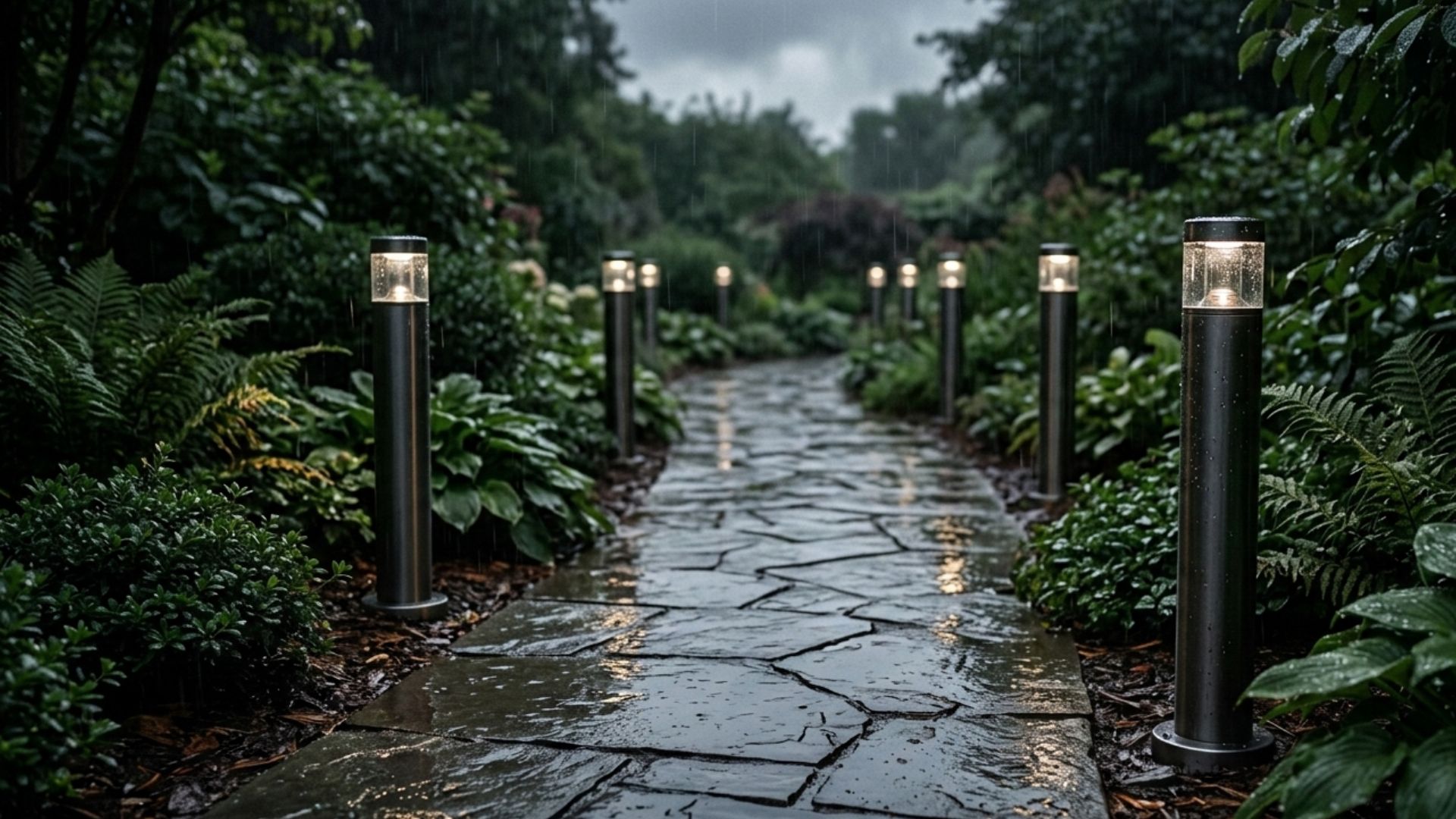
Smart outdoor lights are great until they decide to quit the second a cloud rolls in. It is a bit of a letdown when your high-tech lighting setup forgets how to work just because rain starts to fall. You spent all that time and money setting up your smart lights, only for a drizzle to ruin the mood.
Rain has a funny way of causing your smart lighting system to act a bit silly. But it doesn’t have to be this way. Your outdoor lights should be able to handle a little weather without having a total meltdown.
Today, in this article,we will be discussing why your smart lights go offline during rainstorms and how to keep them glowing through the gloomy weather.
How Smart Lights Work and Why the Rain Affects Them

Smart lights are essentially standard bulbs equipped with a technology that can be connected to your Wi-Fi. Instead of a manual switch, they wait for a wireless message to tell them when to shine.
For these lights to work, that wireless signal needs to travel from your house out into the yard. This path is usually easy to clear when the weather is nice and the air is dry.
But when a rainstorm rolls in, it puts a literal damper on your connection. Here’s how rainstorms can affect the functionality of your smart outdoor lights:
- Water Absorbs the Signal – Wireless signals have a hard time passing through water because it soaks up the signals like a sponge. When rain pours, your Wi-Fi has to fight through a curtain of raindrops just to reach the bulb.
- Wet Surfaces Create Echoes – Signals like to travel in straight lines, but they tend to bounce off wet patios or soggy walls. This creates a confusing “echo” that makes it hard for the light to understand the command.
- Thick Air Slows Things Down – Even a very humid day can make the air feel heavy and thick for a wireless signal. This extra moisture weakens the connection before the signal even makes it halfway across the lawn.
- Moisture Causes Tiny Glitches – A little bit of dampness can sometimes find its way inside the seals of your light fixture. If even a tiny drop touches the internal computer chip, the light might reboot or drop offline to stay safe.
How to Prevent Your Smart Lights From Going Offline During Rainstorms

Keeping your smart lights from ghosting you during a storm is mostly about making sure their signal stays strong and their internal tech stays dry.
You don’t need to be a tech wizard to fix these issues, but you do need to be a little proactive before the clouds roll in.
Here are some simple, practical ways to keep your lights functioning during rainstorms:
- Boost the Wi-Fi Signal – Placing a weatherproof Wi-Fi extender or a mesh node closer to your yard helps the signal punch through heavy rain. Since water absorbs wireless waves, a shorter distance between the router and the bulb means a much more stable connection.
- Seal the Fixtures Properly – Applying a bit of clear silicone sealant or dielectric grease to the connection points stops moisture from creeping into the sensitive electronics. Even gear that claims to be waterproof can develop tiny leaks over time, so an extra layer of protection keeps the smart chips from acting up.
- Elevate Ground-Level Lights – Raising your path lights or spotlights just a few inches prevents them from sitting in deep puddles that block their internal antennas. When a light is surrounded by soaked soil or standing water, the signal has a much harder time reaching the hub inside your house.
- Use a Dedicated Smart Hub – Systems that use a central hub or “bridge” located near a window often handle bad weather better than lights that talk directly to your router. The hub acts like a dedicated translator that can usually maintain a stronger, more reliable link to all the bulbs in your yard.
- Check the IP Ratings – When buying new lights, always look for an Ingress Protection (IP) rating of at least IP65 to ensure they can handle actual water jets. Lower ratings might be fine for a covered porch, but they often fail when faced with a serious downpour or high winds.
Common Reasons Besides Rainstorms on Why Your Smart Outdoor Lights Go Offline

While rain usually gets all the blame, your smart lights can go AWOL for plenty of other reasons that have nothing to do with the weather.
Most of these issues are just minor hiccups that are surprisingly easy to fix with a few quick checks.
If your yard stays dark on a perfectly clear night, take a look at these common culprits:
Overcrowded Wi-Fi Channels
When every phone, tablet, and TV in your house is fighting for the same internet signal, your outdoor bulbs can get pushed off the network.
You can fix this by logging into your router and moving your smart gear to a less busy “channel” or giving them a permanent spot on the list.
Setting up a separate network just for your smart home devices is another great way to keep the digital traffic moving smoothly.
Tripped Safety Outlets
Outdoor sockets are designed to shut off instantly if they sense even a tiny electrical surge, which leaves your lights with zero power.
Check the “Reset” button on your outdoor plugs or look at your home’s main breaker box to see if a switch has flipped.
If it keeps happening, check your plugs for any cobwebs or dirt that might be causing a tiny short circuit.

Outdated Software
Just like your phone, your smart lights need regular updates to fix bugs and stay compatible with your internet.
Open the app on your phone to see if there is a “Firmware Update” waiting to be installed for your lights or your bridge.
If things still seem laggy, try turning the lights off for thirty seconds to give the tiny internal computers a fresh start.
Loose or Dirty Connections
Outdoor temperatures make metal parts expand and shrink, which can slowly wiggle a bulb loose or let a little bit of dust get into the socket.
Safely unscrew the bulb to make sure the metal contact points look clean and aren’t covered in a thin layer of grit or rust.
A quick wipe with a dry cloth and a firm twist when you put the bulb back in can often bring a “dead” light back to life.
Note: If you are unsure about handling the electrical components or the complexities of your internet setup, it is always wise to call a professional for help.
Extra Tips to Keep the Glow of Your Smart Outdoor Lights During Rainstorms

Beyond the big fixes, there are a few clever habits you can pick up to stay one step ahead of the weather.
Keeping your yard bright while it rains doesn’t have to be a chore or a source of stress. Sometimes, a little extra care goes a long way.
If you want to make sure your lights don’t lose their luster during a heavy downpour, try these extra tips:
- Clean the Lenses Regularly — Dirt and dried rain spots can build up on the glass, making your lights look dim or hazy even when they are working perfectly. A quick wipe with a soft cloth every few weeks ensures your bulbs can actually shine through the heavy curtain of a downpour.
- Inspect the Cable Housing — Take a look at the plastic or metal sleeves protecting your wires to make sure they haven’t been chewed by critters or cracked by the sun. If water gets into these protective layers, it can cause small electrical leaks that make your smart controller act sluggish or erratic.
- Trim Nearby Wet Foliage — Heavy, soaked leaves that lean against your fixtures can block the signal and trap moisture against the seals for too long. Pruning back the bushes just a few inches creates a clear gap that helps the wi-fi signals travel and allows them to reach your smart lights faster.
- Group Your Lights in the App — Creating a specific “Rainy Day” group in your smart home app allows you to trigger a single command that refreshes the connection for all your outdoor devices at once. This is a handy trick for forcing a quick sync-up if one or two bulbs start to lag behind the rest during a heavy storm.
Keep Your Smart Outdoor Lights Glowing Even When it’s Raining
It is definitely a letdown when your smart lights go dark right when the mood gets cozy, but a few simple fixes are usually all you need. You don’t have to accept a pitch-black patio just because your Wi-Fi is acting like it’s afraid of a little water.
Taking a few minutes to boost your signal and check your seals will keep your fixtures shining through the next big downpour. Once everything is dialed in, you can finally relax and watch the rain without worrying about your lights quitting on you.
Now you can sit back and enjoy the glow, knowing your smart home is officially tough enough to handle a splash.