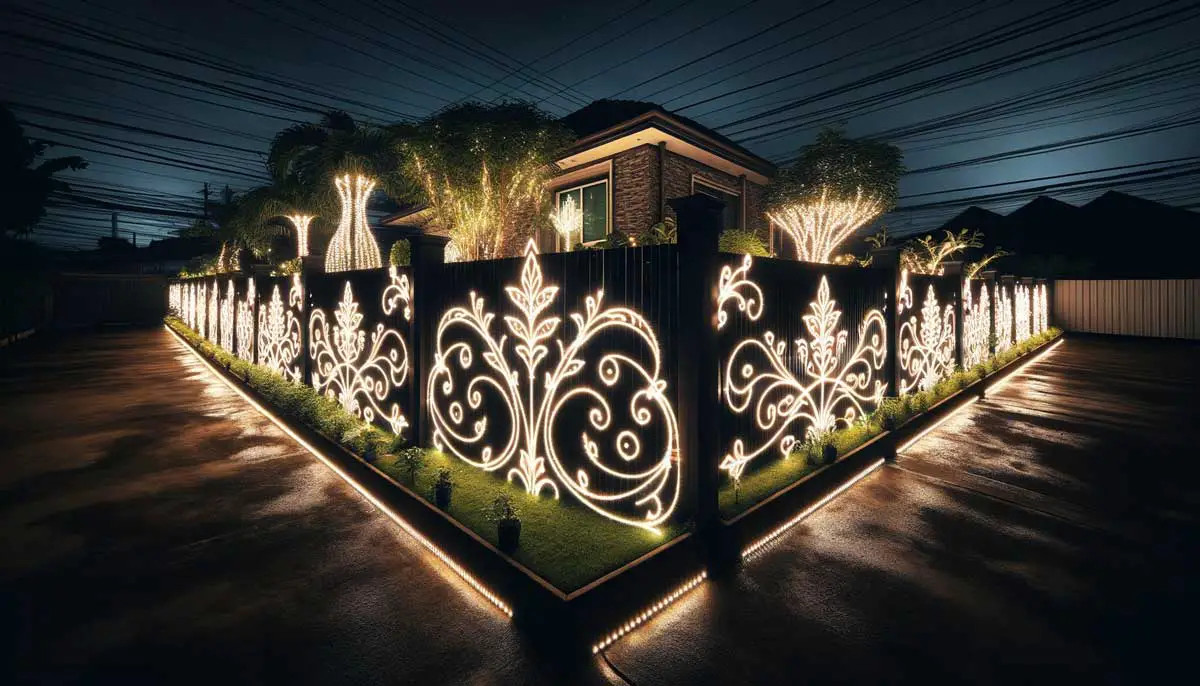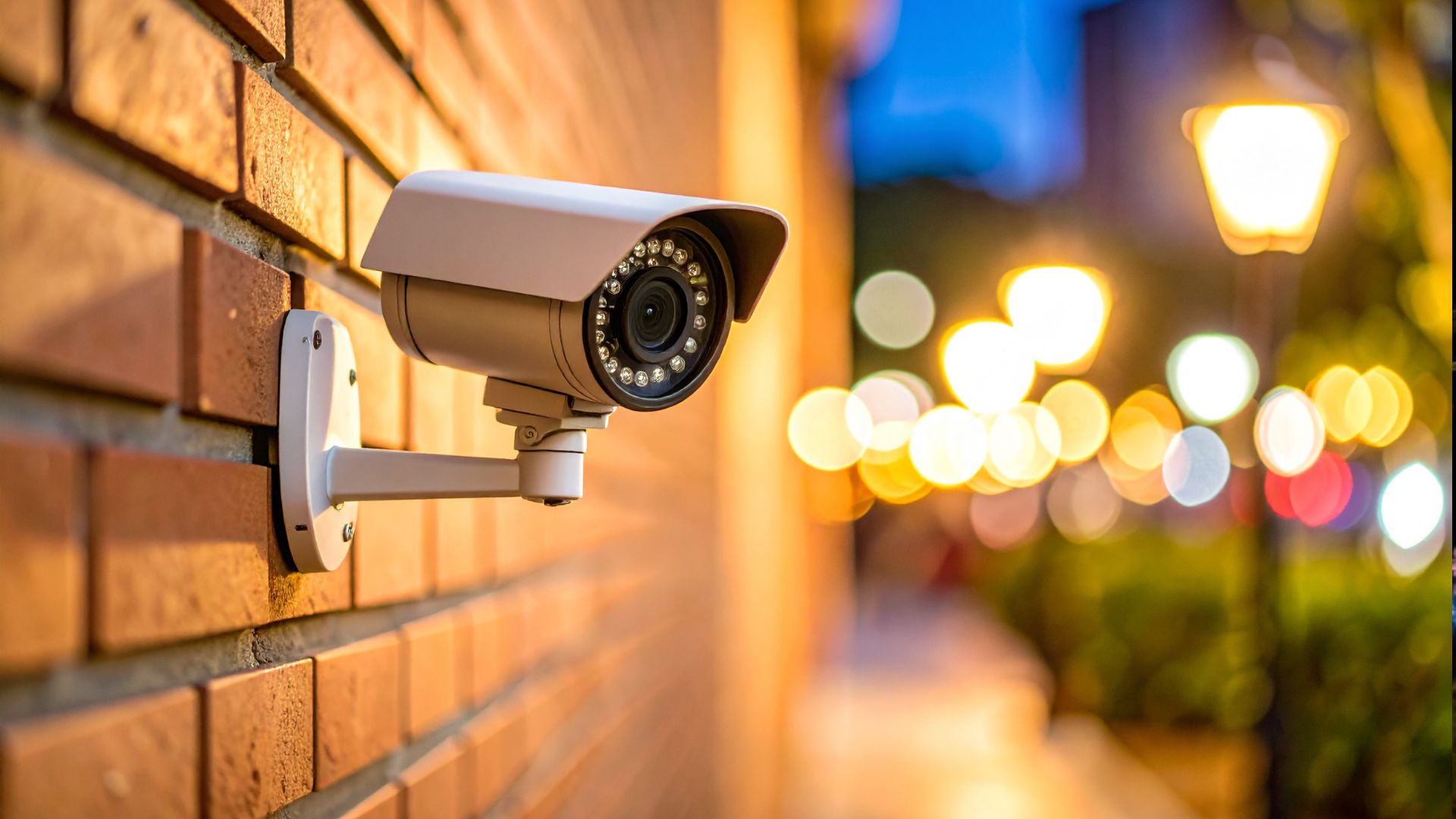
A well-lit yard feels secure, but pairing outdoor lights with security cameras, especially motion-detection types, isn’t always as straightforward as it seems. Depending on how things are set up, one can throw the other off—leading to missed motion or constant false triggers. Outdoor lights are helpful, but they can also be part of the problem.
Motion detection security cameras generally work by picking up changes in heat or movement, depending on the type. Some use infrared sensors to detect body heat, while others rely on software that tracks visual changes in the camera’s field of view. Either way, both methods can be affected by the lighting around them.
Today, in this article, we’ll dig into how outdoor lighting can interfere with motion detection and what to watch out for. It’s all about making the two systems work together instead of competing for control.
Types of Outdoor Lighting Commonly Used with Security Systems

When setting up home security, outdoor lighting is often one of the first things people add alongside their cameras. It makes sense—lighting helps deter intruders, improves visibility, and supports the overall effectiveness of your system.
Here are the most common types of outdoor lighting you’ll find paired with security setups, along with how they work and what to watch out for:
- Floodlights – These powerful, wide-angle lights are great for lighting up large spaces like driveways, side yards, or backyard corners. However, their brightness can easily overwhelm a camera’s sensor if placed too close or aimed directly toward the lens.
- Wall-Mounted Sconces – Typically found near front doors or garage entries, these lights offer both function and curb appeal. While usually softer than floodlights, their position and design can still create glare, shadows, or uneven lighting in your camera’s field of view.
- Motion-Activated Lights – These lights switch on only when they sense movement, making them energy-efficient and attention-grabbing. That said, the sudden change in lighting can confuse some motion-detection systems or temporarily affect image clarity, especially in low-light conditions.
- Landscape Lighting – Used for walkways, garden beds, or patio accents, this type of lighting is often subtle and low to the ground. It’s less likely to interfere directly with cameras but can still pose a problem if lights flicker, shift in brightness, or reflect oddly into the lens.
- Smart Lighting Systems – These can be programmed to follow a schedule, dim at specific times, or integrate with other smart devices in your home. While convenient, poor syncing or overly complex automation can lead to unintended lighting changes that throw off your motion detection or visibility.
Yes or No: Do Outdoor Lights Interfere with Motion Detection Cameras

It’s a fair question, and the answer isn’t as simple as a straight yes or no. Outdoor lights can interfere with motion detection cameras—but whether they actually cause problems depends on how everything is set up, from the type of lighting you use to the kind of motion sensing your camera relies on.
Here are a few common ways outdoor lighting can interfere with your motion detection camera’s performance:
- Infrared (IR) Interference – Many security cameras use infrared sensors for night vision or motion detection, and nearby light sources with strong IR output can throw things off. If your outdoor lights—especially low-grade LEDs or IR floodlights—emit overlapping infrared waves, they can confuse the camera’s sensors and affect its ability to see clearly in the dark.
- Glare and Overexposure – Bright lights that shine directly into the camera lens can cause glare or blow out parts of the image. This limits what the camera can detect in those areas and can make it harder to pick up motion, especially during sudden lighting transitions.
- Shadows and Flickering – Outdoor lights can create moving shadows from trees, passing animals, or even bugs flying past. These tiny changes in light and shadow can trick video-based motion detection into thinking there’s movement when there isn’t—or worse, cause it to miss actual motion.
- Sudden Lighting Changes – Motion-sensor lights that turn on suddenly can momentarily blind the camera’s exposure settings. That short adjustment period is often enough to miss someone walking by or cause a delay in detection.
- Light Placement and Angle – Even with the right type of light, poor placement can cause problems. If the fixture is too close to the camera or aimed directly into its field of view, it can create uneven lighting or hotspots that throw off motion sensors.
Types of Outdoor Lights That Can Cause More Interference

Not all outdoor lights get along well with motion detection cameras. Some types are more likely to interfere simply because of how they emit light, handle infrared, or behave when switched on.
Here are some types of outdoor lights that tend to cause more interference with motion detection systems:
- Incandescent Bulbs – These traditional bulbs emit both visible light and a good amount of heat, which can mess with infrared-based sensors. They’re also very bright in small areas and may overwhelm a nearby camera, especially in low-light situations.
- Halogen Lights – Halogen bulbs run hotter and brighter than incandescents, which increases the risk of glare or exposure problems. They also emit some infrared, which can interfere with night vision or cause PIR sensors to misread heat sources.
- Compact Fluorescent Lamps (CFLs) – CFLs tend to flicker slightly as part of how they operate—even if your eyes don’t notice it, your camera might. This subtle flicker can confuse motion detection and lead to inaccurate motion triggers.
- Low-Quality LED Bulbs – LEDs are generally a smart choice for outdoor lighting, but low-end versions often flicker or pulse due to unstable internal drivers. That flickering can cause problems for both PIR and motion detection, especially when the camera is trying to adjust to changing light levels.
- Infrared (IR) Floodlights – Designed to enhance night vision, IR floodlights can actually do more harm than good if not properly matched with your camera’s settings. Too much IR light can result in washed-out images or reduced motion detection accuracy.
How to Make Outdoor Lights and Motion Detection Security Cameras Work Together

Outdoor lights and motion detection cameras don’t have to clash—they can actually work really well together when set up with a bit of thought.
Here are some practical ways to help your outdoor lighting and motion detection cameras work together seamlessly:
- Use Lights with Adjustable Brightness or Beam Angles – Lights that let you control brightness or change the direction of the beam give you more flexibility. You can light up the areas you need without overwhelming the camera’s view or throwing off its sensors.
- Position Lights Slightly Above or to the Side of the Camera – Lighting placed too close or aimed directly at the lens can cause glare and reduce image quality. Mounting fixtures just above or off to the side of the camera helps brighten the space while keeping the camera’s view clear.
- Choose Flicker-Free, High-Quality LED Bulbs – Not all LEDs are equal—some cheaper models flicker or pulse, which can confuse motion detection, especially at night. Stick to well-made, flicker-free LEDs to keep things stable and reduce false alerts.
- Sync Lighting and Camera Zones – Make sure your lighting covers the same areas your camera is monitoring. When both are focused on the same zones, you improve visibility and reduce the chances of the light or camera missing activity.
- Avoid Overlapping Infrared Sources – Too many IR sources in one spot can overload your camera’s night vision and make images look blown out. If you’re using IR floodlights or cameras with built-in IR, spread them out or adjust intensity to avoid interference.
- Test Your Setup at Night – Take a few minutes to walk through your yard or driveway after dark and check your camera feed. This gives you a clear picture of how everything works together and shows you what needs fixing before anything goes wrong.
When to Consult a Professional

Sometimes, no matter how much adjusting you do, your outdoor lights and motion detection cameras just won’t seem to get along. If you’ve already tried repositioning, changing settings, or swapping out bulbs and still aren’t getting the results you need, it might be time to bring in a pro.
Here are some situations where calling a professional can make everything work more smoothly—and save you from a lot of trial and error:
- You’re getting constant false alarms or missed activity – If your camera picks up every fluttering leaf but misses someone walking up your driveway, something’s off. A professional can check your detection zones, lighting angles, and sensitivity settings to help your system function the way it’s supposed to.
- Your night vision footage is too bright or washed out – Overexposed or foggy night video is usually a sign of lighting or infrared interference. An expert can figure out what’s causing the issue and help balance your lights and camera placement for clearer footage.
- You’ve got a large or oddly shaped area to cover – The more complex your outdoor space, the harder it is to get everything covered without interference. A pro can help design a layout that gives you full coverage with minimal overlap or blind spots.
- Your smart devices aren’t working well together – If your lights, cameras, and smart home system aren’t syncing up like they should, a technician can step in. They’ll check for compatibility issues and help get all your devices working in harmony.
- You’re planning a full revamp or new installation – If you’re starting from scratch or giving your system a major upgrade, professional input can go a long way. It ensures you get the right setup from the beginning, avoiding headaches down the road.
Keeping the Harmony Between Outdoor Lights and Security Cameras
Getting your outdoor lights and security cameras to play nice doesn’t have to be a game of tug-of-war. With a bit of planning and smart placement, they can work together without drama. Think of it like setting up two roommates who just need clear boundaries to get along.
Once you’ve got things positioned right, they’ll do their jobs without stepping on each other’s circuits. No flickering lights, no missed motion alerts—just smooth teamwork. And that means less fiddling for you and more quiet confidence that everything’s working as it should.